
Adjust
Refine photo and video compositions with crop and straighten editing tools from VSCO.

Crop photos online with VSCO’s professional desktop photo editor or rotate, straighten, and skew your next composition in the mobile app.
VSCO is a community-driven platform that equips photographers to expand creatively and professionally. Join today to build authentic connections that foster professional growth and to edit photos and videos with our full suite of tools. Invest in your creativity with a VSCO Membership.
Picture perfect composition
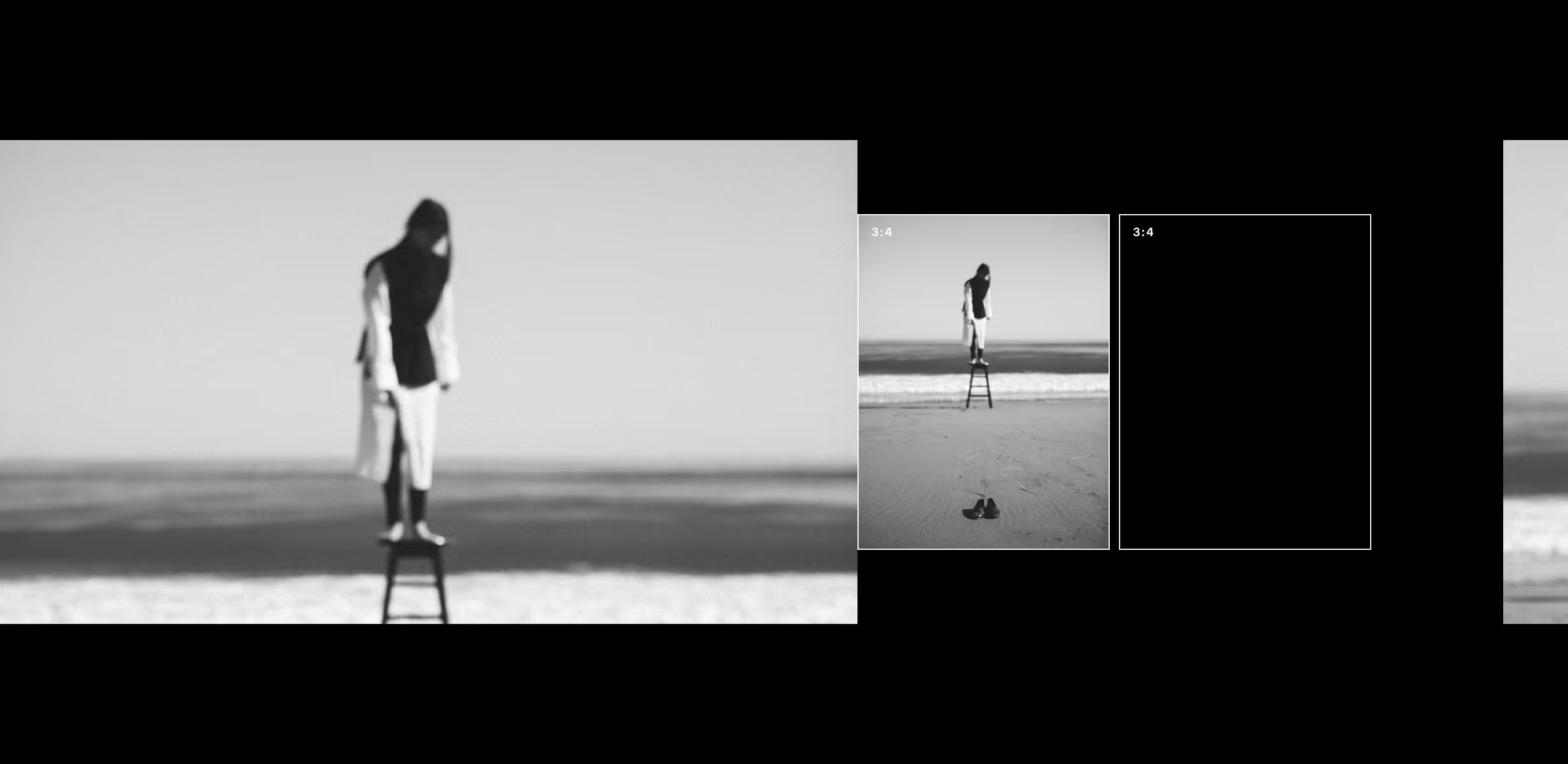
VSCO Members can use the Adjust tool in the photo editor to crop and compose photos and videos. Create cinematic looks and streamline your workflow with pre-set ratios for cropping images and videos.
More than just crop
Adjust is more than just an image cropper and video cropper, it also lets you fine-tune your shots with straighten, skew, and rotate features.

Golden ratios
Freely transform your photos and videos, or use set ratios to recreate classic looks, like 4:5 image cropping reminiscent of large format film or cinema-inspired aspect ratio 16:9.

Level up
Never worry about another crooked landscape shot. Use the Adjust tool to create perfectly level compositions by straightening photos, or try rotating images upside-down.

Skew your view
Use the Skew image tool to correct perspective and take your editing to another dimension — square up distorted angles and off-kilter architecture with both X and Y axis adjustments.


Frequently asked questions
How can I crop an image online?
You can use VSCO's photo editor to crop images online easily. Choose a preset aspect ratio or free-crop your photo to any custom size.
What is aspect ratio cropping in photo editing?
Aspect ratio cropping lets you resize images to specific dimensions like 1:1 (square), 4:5 (portrait), 16:9 (landscape), or custom sizes. This ensures your images fit perfectly for printing, social media, or web use.
Can I rotate and crop an image at the same time?
Yes, the VSCO photo editor lets you rotate and crop photos in one easy workflow. You can straighten horizons and lines, crop image edges, and adjust framing all at once.
How do I straighten a photo online?
To straighten a crooked photo online, upload your image to an online photo editor like VSCO, and use the straighten tool. You can drag a slider to align the horizon or key lines, ensuring your photo looks level and professional.
What is the difference between skewing and rotating an image?
Rotate spins the image around its center, like turning a picture frame. Skew distorts the image by slanting it vertically or horizontally, useful for correcting perspective or creating an artistic effect.
Can I skew or distort an image without losing quality?
VSCO’s image editor supports skew image edits while keeping your photo’s original quality. For best results, start with a clear, high-res photo and avoid heavy distortion that can cause pixelation.
How do I crop an image to a custom size?
Use VSCO’s free hand crop tool to drag and resize your image freely, or explore exact dimensions with a set aspect ratio for a consistent crop.
related PHOTO EDITING features
If you’re adjusting crop or skew, chances are you’ll want to dial in light and color too. Try Exposure and Saturation to strike the perfect balance — or create something new with a photo collage.
PHOTO COLLAGE MAKER
Resize, crop, rotate, flip, mirror, and rearrange images using VSCO’s collage maker app.

SATURATION EDITOR
Amplify or soften colors to match the mood and your editing style with Saturation.

IMAGE EXPOSURE
Edit image exposure to brighten or darken your photo and find the perfect balance.
