
VSCO FOR MOODBOARDING
Plan visually, create confidently
Create mood boards that bring clarity and build confidence. Collaborate in real time and turn ideas into plans everyone can follow.

VSCO Canvas gives you a dedicated space to build confidence in your creative direction. Start with proven templates, organize inspiration visually, and collaborate in real time so everyone sees the same vision.

GATHER INSPIRATION IN ONE PLACE
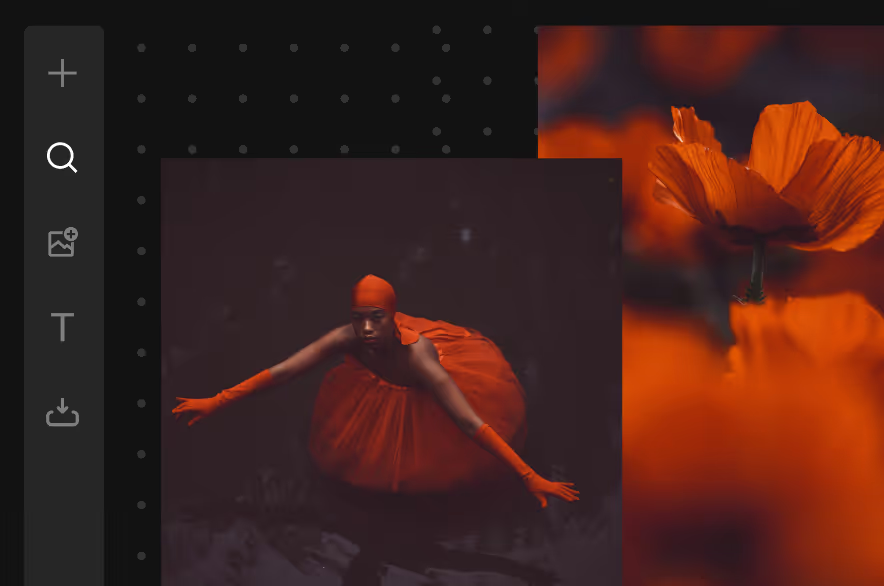
Pull inspiration from anywhere. Upload your own work, search millions of images from the VSCO community, paste links to references and videos, and generate new visuals with AI.
Save color palettes, lighting references, poses, and locations in mood boards that mirror how you actually think. Everything lives in one evolving workspace, ready when you need it.

Build Confidence in Your Vision
Eliminate creative hesitation and turn ideas into action. Start with proven templates, add your own references, and translate scattered inspiration into a clear, actionable plan.
Whether you’re pitching a client, planning a product shoot, or storyboarding a video, VSCO Canvas helps you move from uncertainty to a solid, shared vision.

COLLABORATE WITH ANYONE
Invite clients, art directors, stylists, and second shooters to your Canvas. Everyone can add inspiration, leave notes, and shape direction together. No more PDFs or endless emails.
Collaboration builds confidence in your work. Share view-only or give full access, comment on specific images, and keep everyone aligned.
VSCO CANVAS
VSCO Canvas is where your ideas take shape. Plan shoots, map locations, organize inspiration, and track every detail from concept to delivery—all in one visual space.

GET STARTED WITH MOODBOARDING
Refine your skills, streamline your workflow, and craft mood boards that create real results. Access guides, resources, and templates that can help you get started.

Start with proven templates for planning, pitching, and executing real-world projects.

Begin organizing ideas and references so your next shoot is seamless and professional.
Turn ideas into visual references for your next shoot with AI-powered tools.
Common questions about moodboarding
What is a mood board and why do photographers use them?
A mood board is a visual collection of images, creative details, and references that communicate the aesthetic direction of a project or photoshoot. Photographers use mood boards to align with clients on what final images will look and feel like, brief creative teams with clear visual direction, explore different aesthetic concepts without committing to a shoot, and keep the intended outcome accessible during production.
How is VSCO Canvas different from other tools?
VSCO Canvas is purpose-built for creative teams and photographers planning real projects. It offers real-time collaboration between clients, teams, and creators. Do more than just add links. Create comment threads, use AI generation tools for concept exploration, and start with professional templates made by industry pros.
Can I collaborate with clients or team members on mood boards?
Yes. Invite collaborators, work simultaneously with real-time editing, discuss specific images with comment threads, set view-only or full editing permissions, and generate public links for presentations. Wedding photographers use this to get couple approval on aesthetic direction. Brand teams align creative directors, photographers, and stylists. Content creators coordinate with production teams.
Can I use AI to moodboard new concepts?
Yes. VSCO Canvas includes AI image generation for creative concept exploration. Describe your vision in words to generate visual references. Explore new creative directions, visualize concepts that don't exist yet, test lighting or composition ideas, and create references for unique shoots. Combine AI-generated images with your own photography and external references for comprehensive mood boards.
How can moodboarding improve my photoshoots or video projects?
By translating abstract ideas into visual references, you can plan lighting, composition, color, and style before stepping on set. Mood boards help align everyone on the same vision, reduce miscommunication, and make execution more precise, saving time and stress during production.